
Quick and easy to erase
"Following the GUI instruction, it was so easy to erase the PC before throwing away."

Couldn't load pickup availability
One-time purchase. Reusable with unlimited use. No subscription. Lifetime software updates.
A factory reset or Windows reinstall may not fully erase the data on a computer, but Redkey can securely erase one or more supported disks, including the operating system disk, before the computer is sold, donated, recycled or reused.
Use the same Redkey again and again on compatible computers. You can erase one disk or several connected disks in the same operation, with support for up to 16 disks per computer.
Start the computer from Redkey and follow the simple on-screen steps.
Back up anything you want to keep before you start.
Start from Redkey and follow simple on-screen steps.
Works with most compatible PCs, laptops and Intel-based Macs.
Erases one or more selected disks, including the operating system disk.
One-time purchase.
Reusable with unlimited use.
No subscription or per-erasure fees.
Lifetime software updates.
Online activation and updates.
Wipe Wizard gives step-by-step guidance.
Advanced Mode gives experienced users more precise control over whole-disk erasure.
AutoNuke can run an automatic erasure on supported disks.
Redkey erases whole disks, including the operating system disk.
Erase several disks connected to the same computer.
Remote Mode handles one networked computer at a time.
Each computer can have up to 16 connected disks.
Works with HDDs, SATA SSDs, NVMe SSDs and supported USB storage.
Supports Clear and Purge sanitization methods used in international guidance.
Uses hardware commands or software overwriting where supported.
Can check and clear supported hidden disk areas.
Includes hexadecimal and binary viewers for manual checks.
Available methods depend on the disk and computer.
Shows the erasure result on screen.
Clearly shows whether the erasure succeeded or found an error.
PDF reports are available with Professional Edition and above.
Graphical and text-based interfaces.
Available in 10 languages.
Built-in help and system information.
Light and dark display modes.
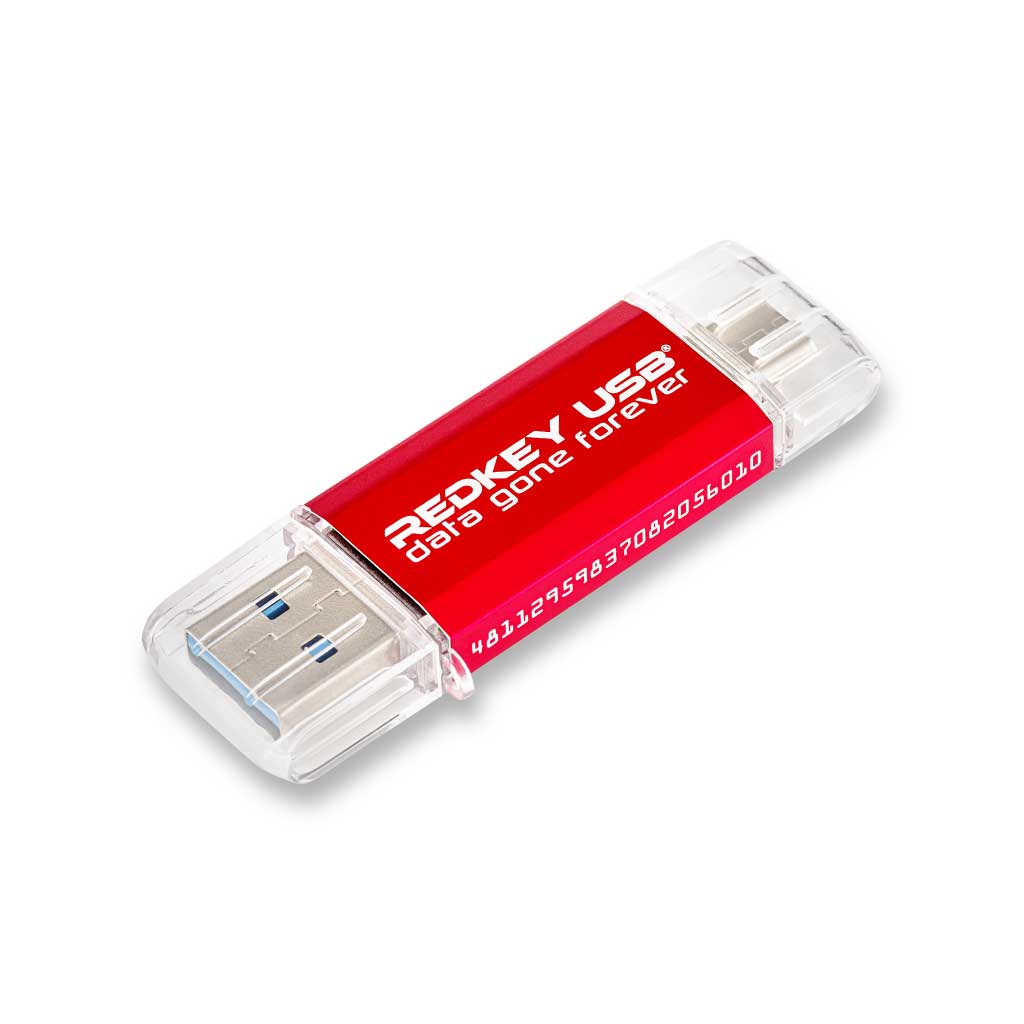
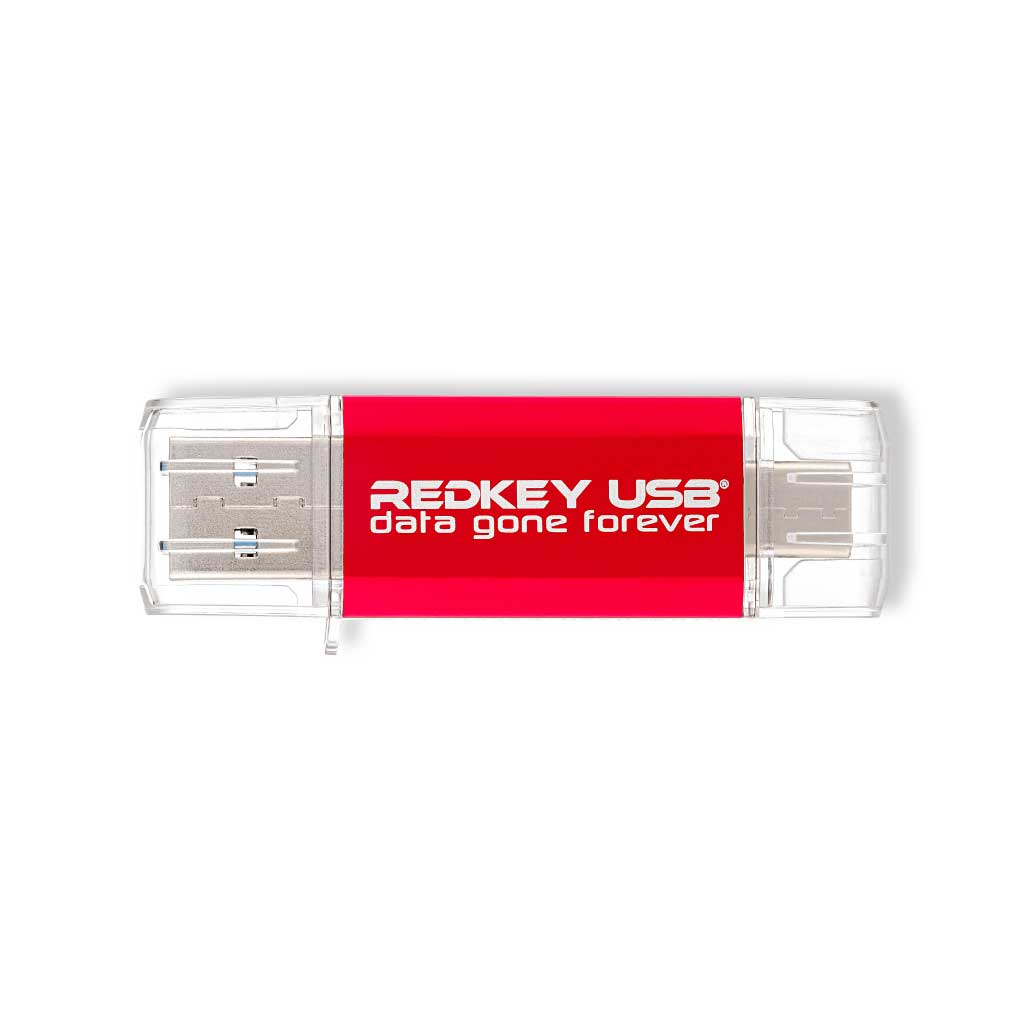
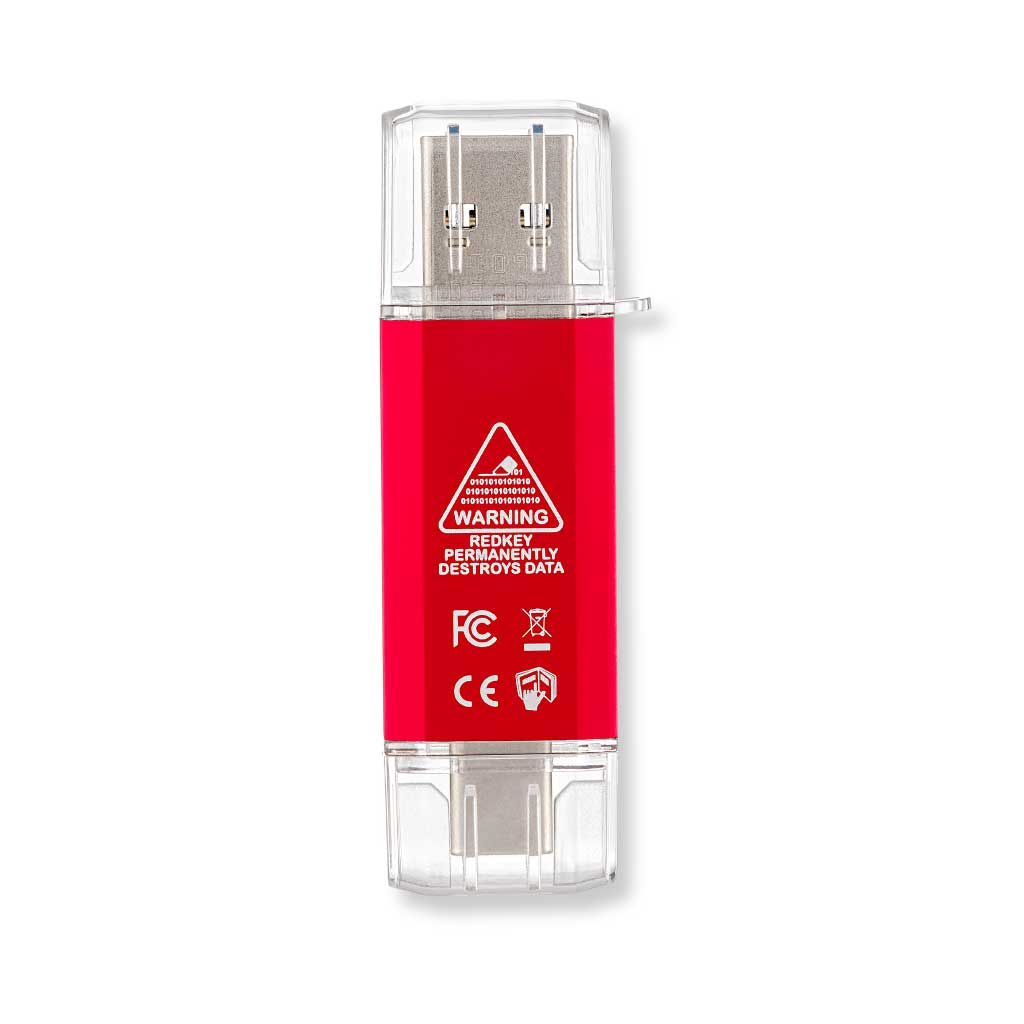
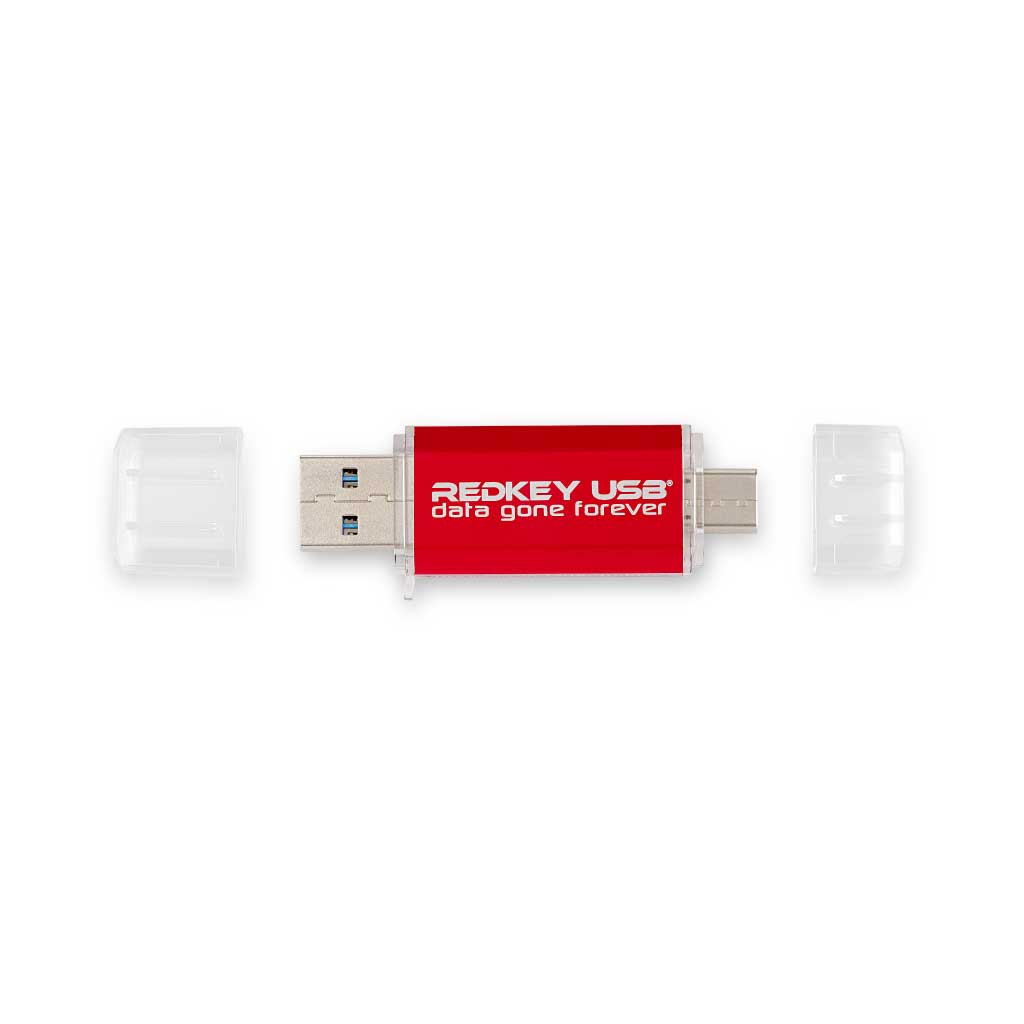
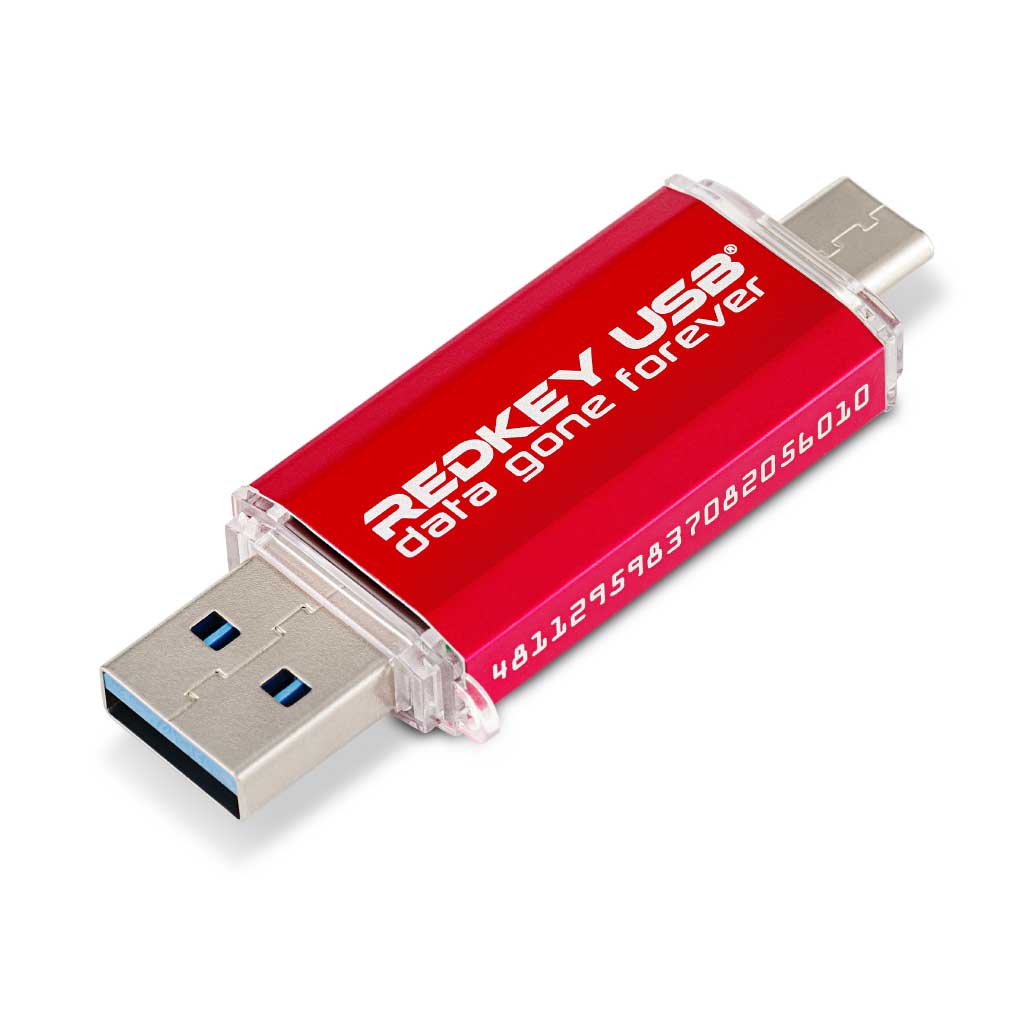
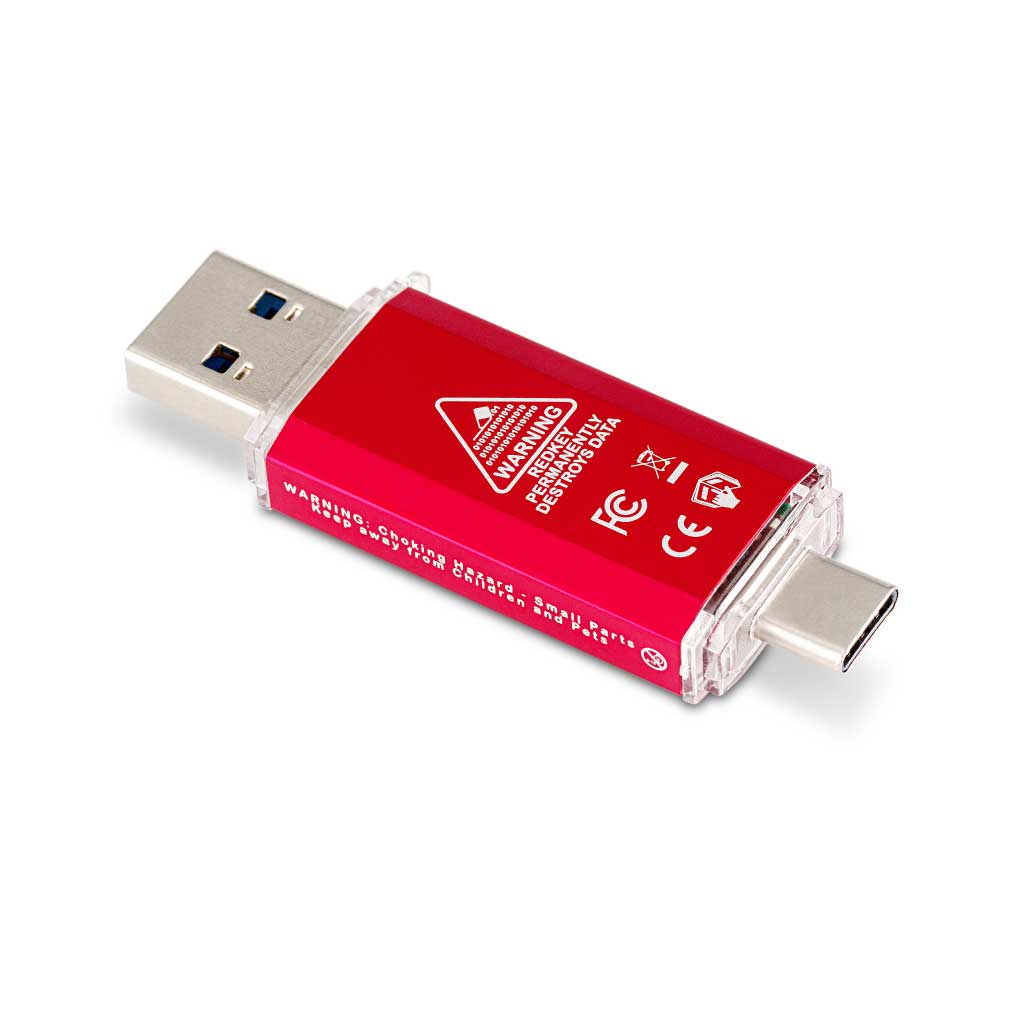
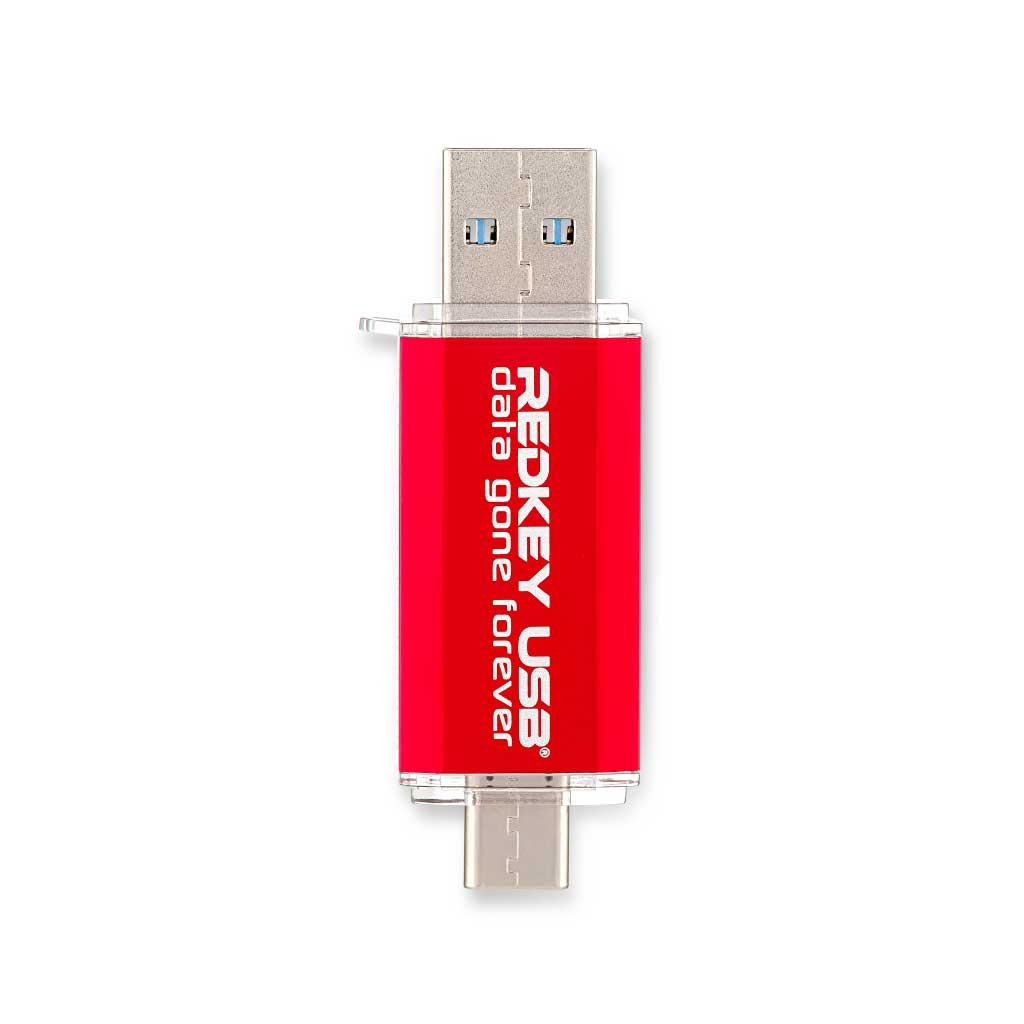
1 x Redkey USB with USB-A and USB-C connectors.
Redkey USB Home software entitlement.
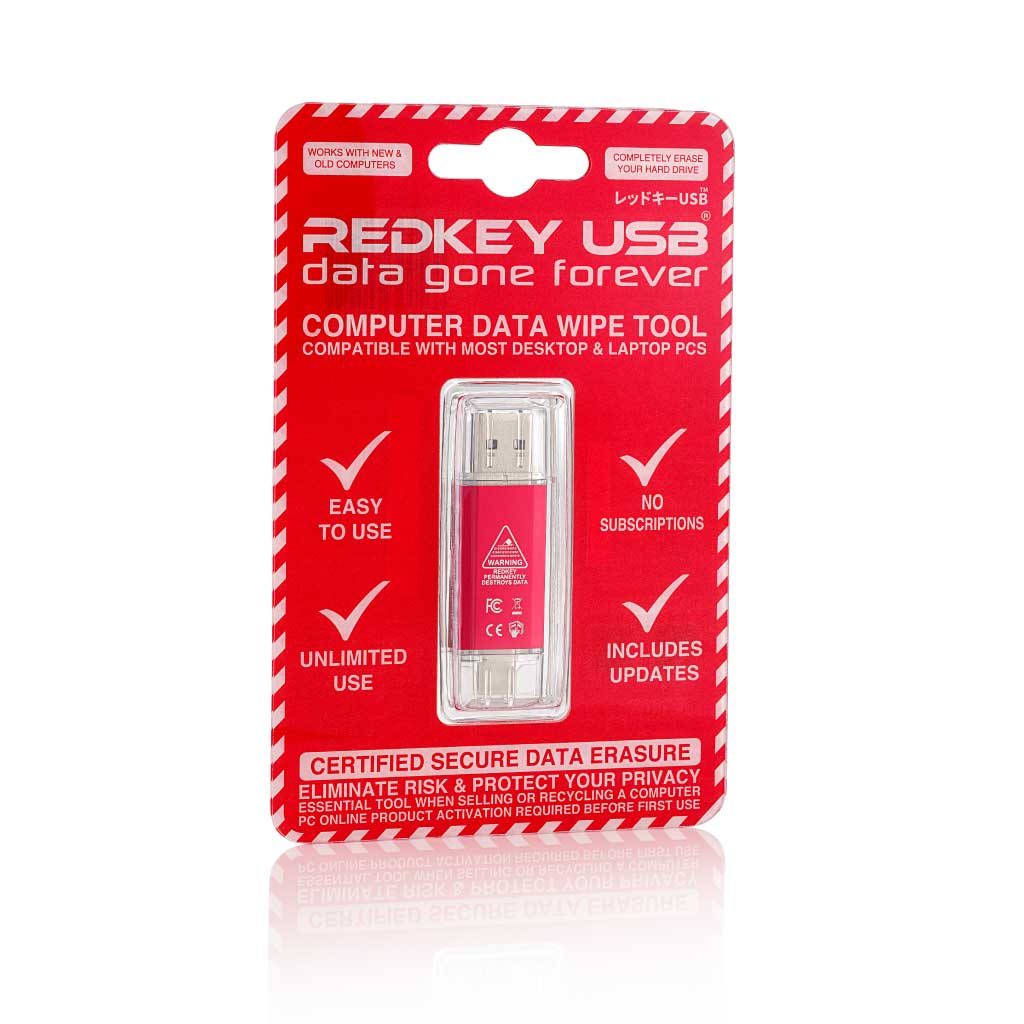
Sealed security packaging.
Home Edition activation code inside the packaging.
Activation guide.
Quick-start guide.
Most Intel or AMD PCs and laptops made since around 2000.
Most Intel Macs made from 2006 to 2020.
Not compatible with Apple silicon Macs or ARM-based computers.
At least 2 GB RAM, or 4 GB for Remote Mode.
Requires USB boot, a screen, keyboard and pointing device.
Some computers need a BIOS, UEFI or storage setting changed.
Redkey starts independently from the installed operating system.
It can erase supported computers that currently run Windows or Linux.
A Windows 7 or later computer and internet access are needed to activate and update Redkey.
The Redkey software download is about 2 GB.
Not sure? Check the FAQs or contact us before ordering.
Erasing a disk cannot be undone.
Computer disk erasure usually removes the operating system.
Before starting, back up anything you need, check that the backup opens and confirm that you have selected the correct disk.
When the process finishes, check the reported result and any warnings shown.
Keep Redkey connected while it is running.
Use is subject to the Redkey End User Licence Agreement.
Some RAID systems and specialist servers are not supported.
Home Edition can be upgraded to Professional or Ultimate through a separate software-upgrade purchase.
Includes a 2-year warranty and support for up to 10 years.
Our 90-day money-back guarantee applies to eligible unopened, unused and unactivated items.
Minor variations in product colour, finish and packaging may occur.
Overall rating: 4.9457364 / 5 from 129 reviews.
Review topics: [].
"Following the GUI instruction, it was so easy to erase the PC before throwing away."
— Kazushige O. (5/5)
"Redkey USB was easy to use and very quick at erasing the entire hard drive. I would definintely reccommend this to anyone wanting to erase files or complete drives."
— Steve C. (5/5)
"Great product. Very easy to use."
— Carol D. (5/5)
"the process couldn’t be simpler to follow, all the instructions are crystal clear and I couldn’t be happier with the results. I used this on my 2017 MacBook Air and it is literally running like new again. HIGHLY recommend this!"
— Austin B. (5/5)
"Haven’t yet used, purchased for potential future use."
— George L. (5/5)
"Work as intended and is easy to use."
— Kelvin G. (5/5)
"Works as advertised. User friendly, easy to understand instructions and interface. Once I figured out how to save and re-boot my OS it was a breeze. Used it on 3 PCs so far and no issues. Very fast overall process,my old program took 4+hours while this was done in less than 20 min."
— Walter W. (5/5)
"Easy to use, effective at what it does."
— Adrian R. (5/5)
"Finally I get chance to use this excellent product and is working perfect and save me money and time. Also the Redkey has excellent support team, when I make mistake with activation, I get support right away. Thank You Redkey"
— Leo. B. (5/5)
"Device is a godsend. Thanks."
— Timothy W. (5/5)
Linus Tech Tips
Get important Redkey software and product updates by email. No spam.
You have copied the placement for the Product Page.
Go back to the App Embeds section, and in the Paypal Advanced Settings, paste the copied value into the Product Page field and click the 'Save' button in the top right corner.